Untethered iOS App Sideloading.
Install, refresh, and manage your favorite apps and games wirelessly with built-in StikJIT compilation and multi-source catalogs.
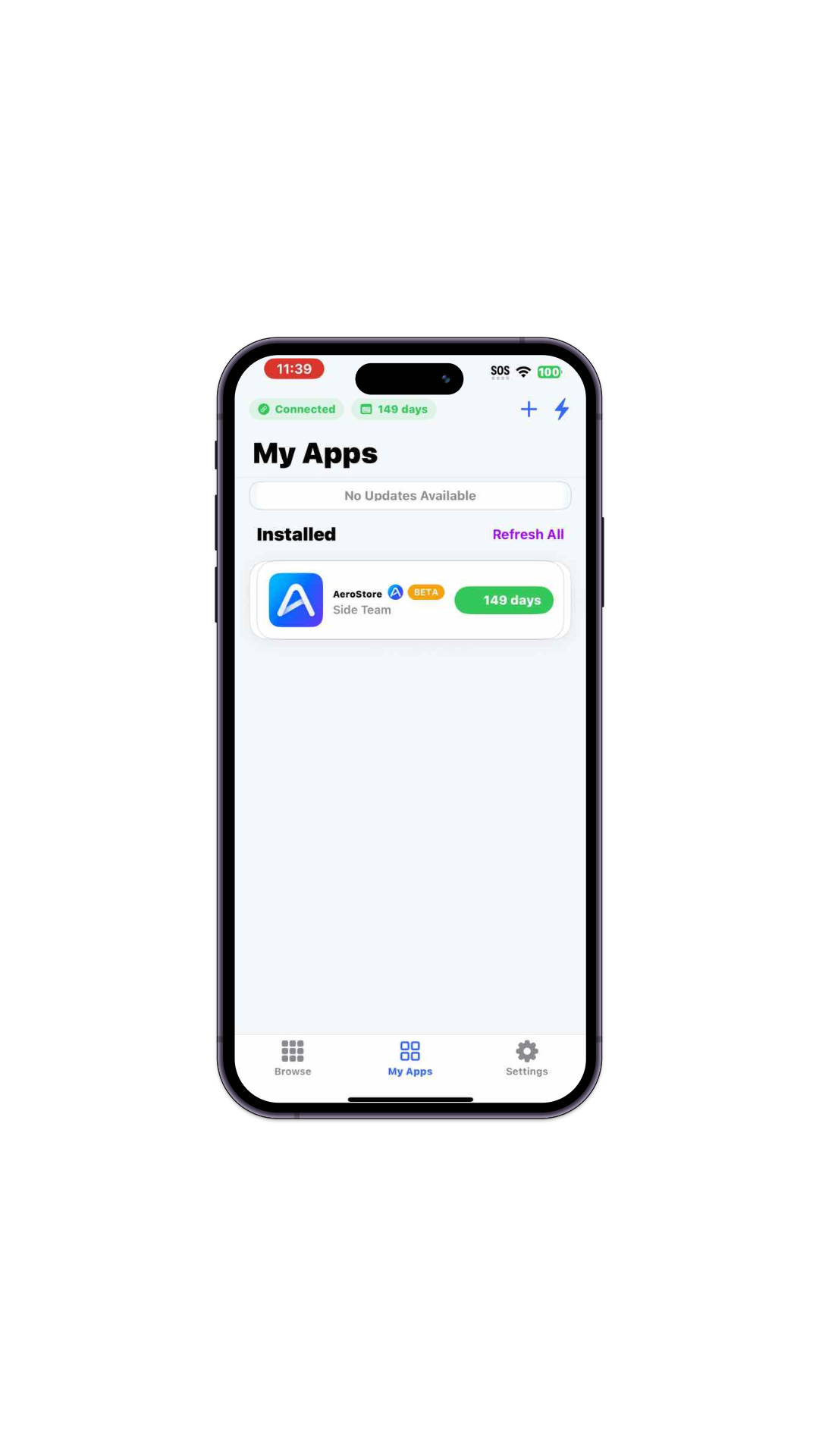
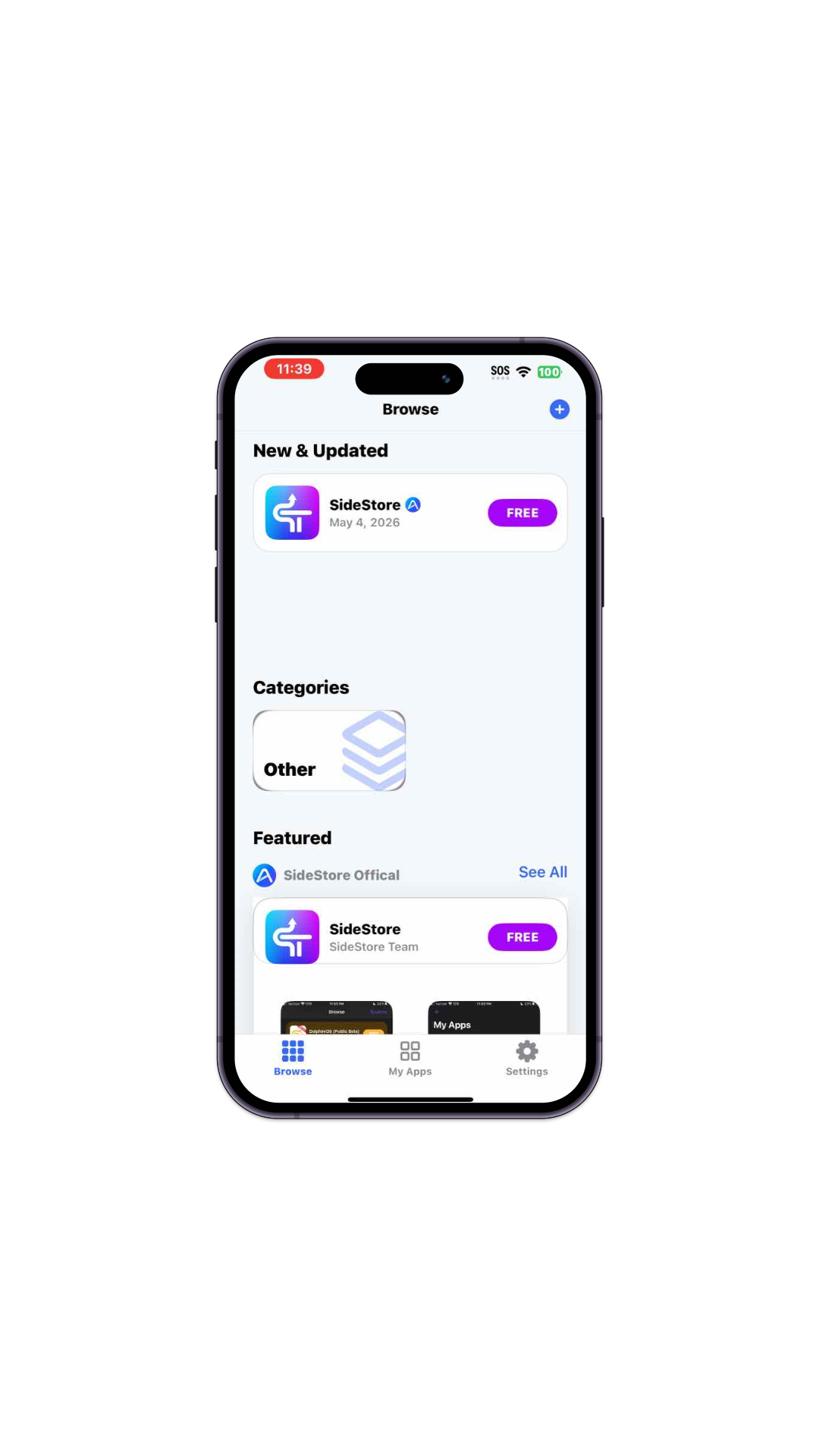
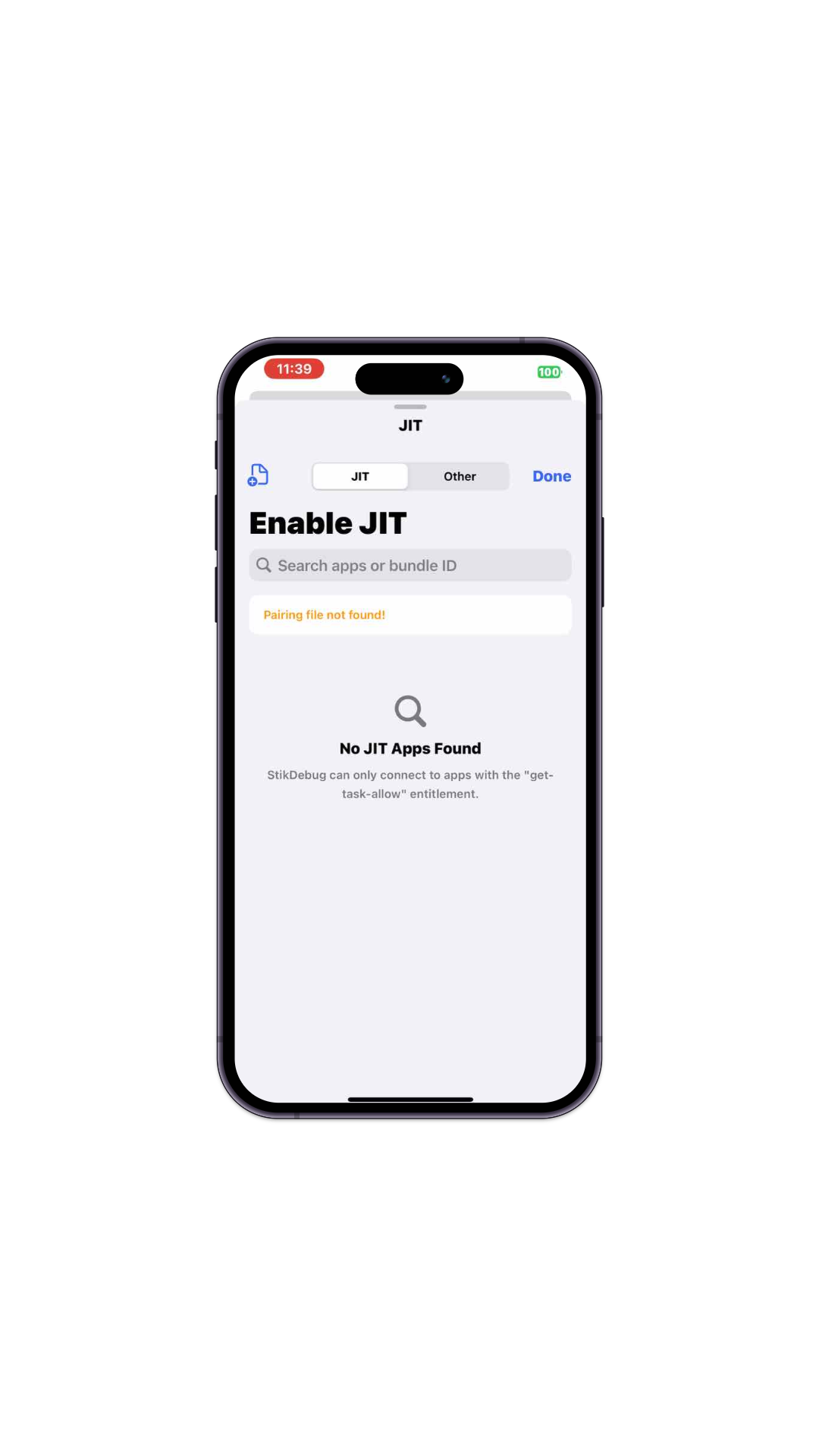
Sideloading Made Simple
Apple ID Signing
Sign apps using your personal or developer Apple ID directly on your device.
Certificate Signing
Import and use your own .p12 and .mobileprovision files for signing.
JIT Enabler
Enable Just-In-Time compilation for emulators and other apps without needing a computer.
Community Sources
Full support for AltStore repositories. Add and manage external sources with ease.
App Browser
Discover and explore thousands of apps from your favorite community sources.
Metadata Reader
Inspect and edit bundle IDs, version history, and detailed app info before installing.
Theming Engine
Personalize your experience with Space, Light, Indigo, and Forest themes.
News Feed
Stay updated with news and release notes directly from app developers.
Entitlement Support
Supports the Increased Memory Limit entitlement.
Join the Community
Get help, share apps, and stay up to date with AeroStore.
Installation Methods
Best for devices with existing wireless pairing established.
- Download the latest
AeroStore.iparelease file. - Open with SideStore or Feather to install onto your device.
- Import your pairing file on launch to activate background refresh.
Standard installation using a physical computer connection.
- Connect your iOS device to your computer via USB or WiFi.
- Hold Option/Shift in AltServer and click Sideload .ipa.
- Trust your certificate in Settings → VPN & Device Management.
For compatible iOS firmwares with CoreTrust exploits.
- Share the downloaded
AeroStore.ipadirectly into TrollStore. - Enjoy permanent signing and instant StikJIT privileges.